The digital landscape constantly demands one thing: an email address. From signing up for a quick coupon code or accessing a free trial to participating in a one-off online forum, your primary inbox is perpetually at risk of being flooded with spam, marketing trackers, and potential security threats. The solution? A temporary email service.
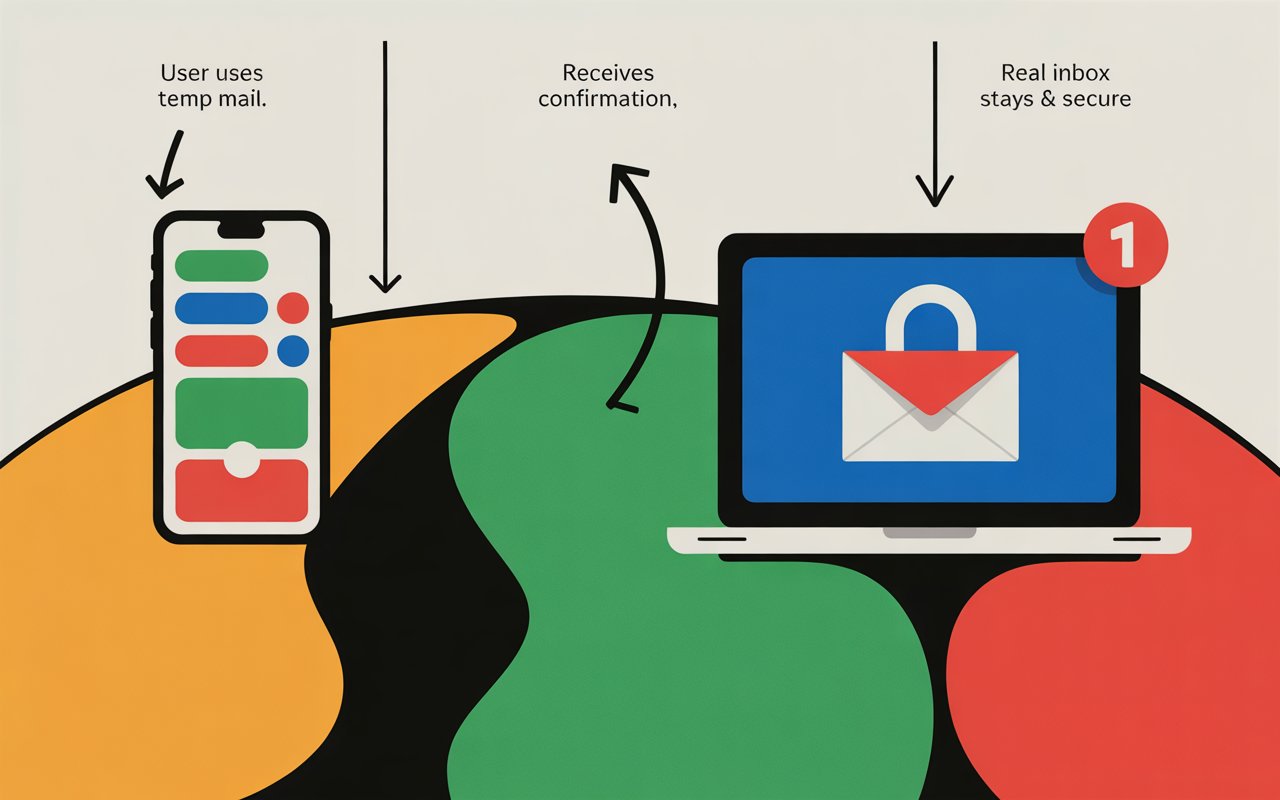
These disposable, throwaway email addresses are your first line of defense against inbox clutter and surveillance. They allow you to complete online tasks—verification, sign-ups, downloads—without ever exposing your real, long-term personal or business contact information. This guide cuts through the noise to reveal the best temp mail services of 2025, detailing their features and, critically, providing the essential safety protocols you need to use them like a pro.
🛡️ Why You Need the Best Temp Mail Service Now
The days of simply having a single email for everything are over. Privacy is a luxury, and a robust disposable email address strategy is a necessity. Here's a quick look at the core benefits that make temporary email an indispensable tool for every internet user:
-
Spam Reduction: The most obvious benefit. Use a temporary email for one-off sign-ups and keep your real inbox pristine, free from newsletters, promotional offers, and relentless marketing emails.
-
Anonymity and Privacy: Many websites and apps track users based on their email address. A throwaway email creates a layer of separation, preventing data brokers from linking your online activity back to your permanent identity.
-
Security and Phishing Protection: If a site you signed up for is hacked, your temporary email is compromised—not your main one. This prevents your primary address from ending up on spam lists or being targeted by phishing attacks.
-
Access to Content/Trials: Instantly gain access to download guides, read articles behind email gates, or sign up for quick software trials without any long-term commitment or cleanup.
🥇 The Best Temp Mail Services of 2025: A Deep Dive
Selecting the best temporary email provider depends entirely on your needs. Do you require extreme short-term anonymity, or a longer-lasting burner mail that can send replies? We've broken down the top competitors for 2025.
1. 10 Minute Mail: The King of Short-Term Anonymity
If you need an email address for a single, immediate verification and nothing more, 10 Minute Mail is the unparalleled choice. It’s the ultimate "set it and forget it" tool.
-
Key Feature: An address is generated the moment you land on the site and automatically self-destructs after ten minutes.
-
Pros: Extreme simplicity, no registration required, and perfect for bypassing basic email confirmation walls. It offers a single-click option to extend the time if needed.
-
Cons: Very short lifespan; not suitable for anything that requires long-term access or replies.
-
Best For: Fast, one-time verifications, getting instant coupon codes, or accessing gated content.
2. Guerrilla Mail: Feature-Rich and Flexible
Guerrilla Mail has been a long-standing, powerful player in the disposable email space. It stands out because it offers functionality most competitors drop: the ability to send emails.
-
Key Feature: Allows users to not only receive, but also send emails anonymously using their temporary address.
-
Pros: Supports multiple custom domains, emails are stored for 60 minutes, and it offers an optional "scramble" feature for enhanced privacy.
-
Cons: The 60-minute deletion time is still short, and the interface is older than some modern alternatives.
-
Best For: Communication that requires a reply but must remain anonymous, such as posting on classified ad services or anonymous bug reporting.
3. Temp-Mail.org: User-Friendly and Feature-Packed
Temp-Mail.org (and its popular variations) is one of the most widely used and intuitive temporary email platforms. It offers a great balance of features and ease of use, making it an excellent default choice for general users.
-
Key Feature: Offers both web-based and mobile app access, with rotating domains to help bypass stricter website blocks.
-
Pros: Instant address generation, a clean user interface, dedicated mobile apps (Android/iOS), and browser extensions for fast access.
-
Cons: Addresses are often recognized and blocked by high-security sites, and free accounts generally lack customization and long retention.
-
Best For: Everyday use, quick registrations, and users who prefer a mobile-friendly or browser-integrated experience.
4. Maildrop: Public-First Simplicity
Maildrop takes a minimalist approach. Its unique feature is that its inboxes are essentially public. While this sounds counter-intuitive for privacy, it is excellent for development and testing.
-
Key Feature: Any email sent to a Maildrop address (e.g.,
inboxname@tempmaill.io) is received instantly, and you don't need to 'own' the address to check it. -
Pros: No sign-up, ultra-fast, and ideal for developers testing email functionality.
-
Cons: Absolutely zero privacy—do not use it for sensitive data. Emails over 500KB or with attachments are rejected.
-
Best For: Testing application sign-ups, getting public service alerts, or non-sensitive, bulk-receives.
5. Burner Mail: The Smart Alias System
For those looking for a longer-term solution that’s more secure than a simple throwaway, Burner Mail (and similar services like SimpleLogin and AnonAddy) represents a sophisticated step up. This service generates an alias that forwards mail to your real inbox.
-
Key Feature: Creates unique, private email aliases (burner addresses) that forward mail to your real inbox. If a burner gets spammed, you simply disable the alias without changing your main email.
-
Pros: You own the address and can reply from the alias; you never lose access to important confirmations or receipts; and it provides far superior long-term security.
-
Cons: Requires an account/sign-up; free plans have limits, and unlimited aliases are usually a paid feature.
-
Best For: Subscriptions, long-term non-critical accounts, and high-privacy users who need permanent control.
🔒 A Critical Safety Guide for Temporary Email Users
While a temporary email service offers fantastic protection, they are not a silver bullet. Understanding the risks and applying best practices is crucial for maximum online safety.
The Do’s and Don’ts of Disposable Email Addresses
| Do (Best Practices) | Don’t (High-Risk Uses) |
| Do use it for forum registrations or free Wi-Fi access. | Don’t use it for bank accounts, tax sites, or financial services. |
| Do use it for promotional codes or one-time downloads. | Don’t use it for any service that requires a long-term password reset. |
| Do choose a service with rotating domains to avoid blocks. | Don’t use it for setting up your Apple ID, Google Account, or primary social media. |
| Do use an alias system (like Burner Mail) for subscriptions you want to keep. | Don’t use it for legal, professional, or medical correspondence. |
The Hidden Risk: Guessable Inboxes
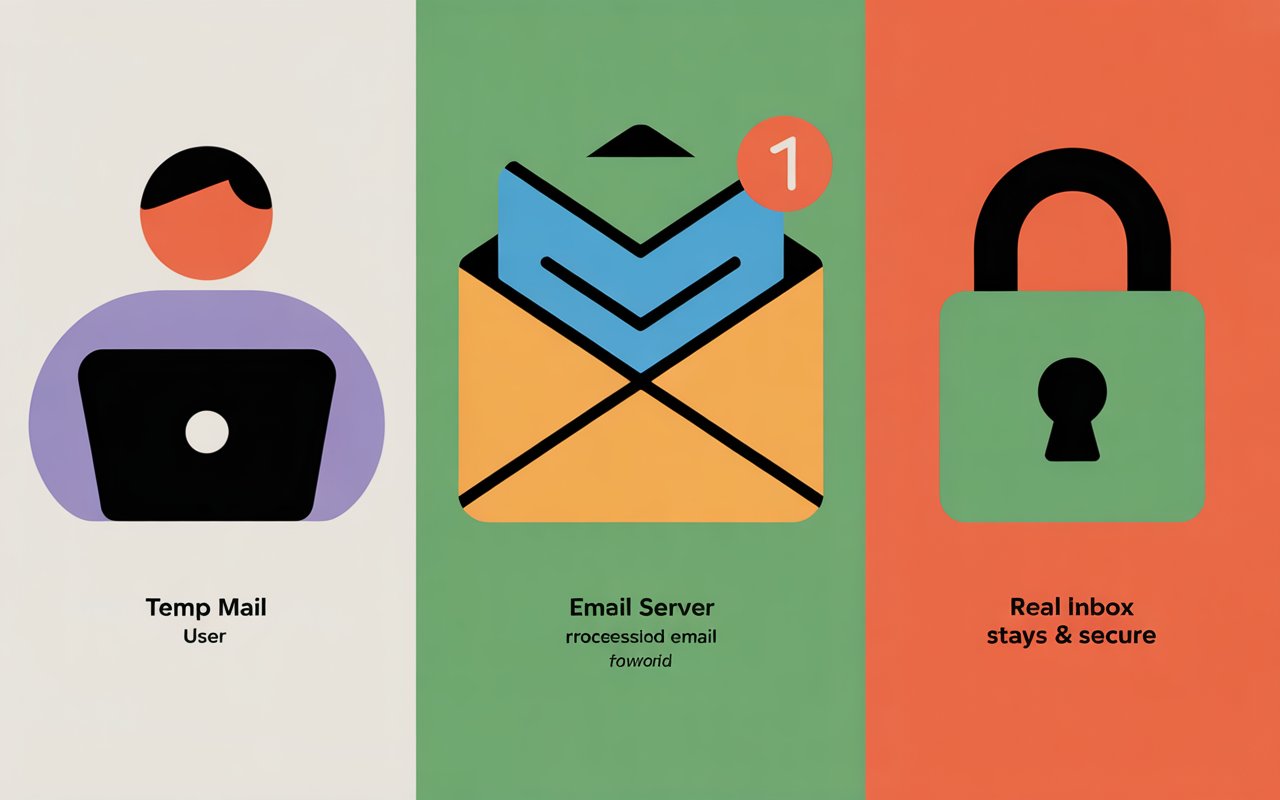
A significant safety risk, particularly with basic temp mail providers, is the guessable inbox. Some services, like Maildrop, use public inboxes. If the temporary address you used is simple (e.g., test@tempmaill.io), anyone can visit the service's website and see the emails you received.
-
Actionable Advice: Always choose an automatically generated, complex, random address (e.g.,
g9f7k@tempmaill.io) over a simple, custom-chosen one. This prevents others from easily accessing your verification links or sensitive data.
🔑 Advanced Tip: Integrating Aliases for Long-Term Privacy
For the ultimate security in 2025, the strategy is to move beyond short-term throwaway email and embrace permanent, forward-only aliases.
-
Select an Alias Provider: Services like Burner Mail, SimpleLogin, or AnonAddy are built for this.
-
Generate a Unique Alias: Create a new address for every new service you sign up for (e.g.,
netflix-a37b@myburner.com). -
Forward to Your Real Inbox: The alias forwards the mail to your secure, personal inbox (like Proton Mail).
-
Cut the Cord Instantly: If a service sells your alias or starts spamming, you just disable that single alias. Your main email remains untouched and unknown to the spammer.
This system gives you the longevity of a permanent email with the security and disposability of the best temp mail services.
📈 Comparing the Top Temporary Email Features
The following table offers a quick comparison of the most important features when choosing your ideal disposable email address tool.
| Service Name | Lifespan | Sending Capable? | Registration Required? | Long-Term Use? | Best For |
| 10 Minute Mail | 10 Minutes (Extendable) | No | No | No | Extreme short-term anonymity |
| Temp-Mail.org | Varies (e.g., 1 hour to 1 day) | No | No | No | General, quick sign-ups |
| Guerrilla Mail | 60 Minutes | Yes | No | No | Anonymous replies |
| Burner Mail | Permanent (Until deleted) | Yes (Reply from alias) | Yes | Yes | Subscriptions & long-term privacy |
| Maildrop | Indefinite (Public) | No | No | No | Developer testing |
Secure Your Inbox Today
The choice is clear: protecting your primary email address has never been more important. Whether you opt for the radical short-term utility of 10 Minute Mail or the sophisticated, permanent control offered by a system like Burner Mail, adopting a temporary email strategy is your best defense against spam, tracking, and data breaches in 2025.
By choosing one of the best temp mail providers listed above and following our critical safety guide, you can confidently navigate the internet, keeping your personal life private and your inbox pristine.
Ready to take control of your digital identity? Explore the alias services further to build a permanent, impenetrable firewall around your main email.
Would you like a more in-depth comparison between the top alias systems like Burner Mail and SimpleLogin, or a tutorial on setting up your first disposable address?